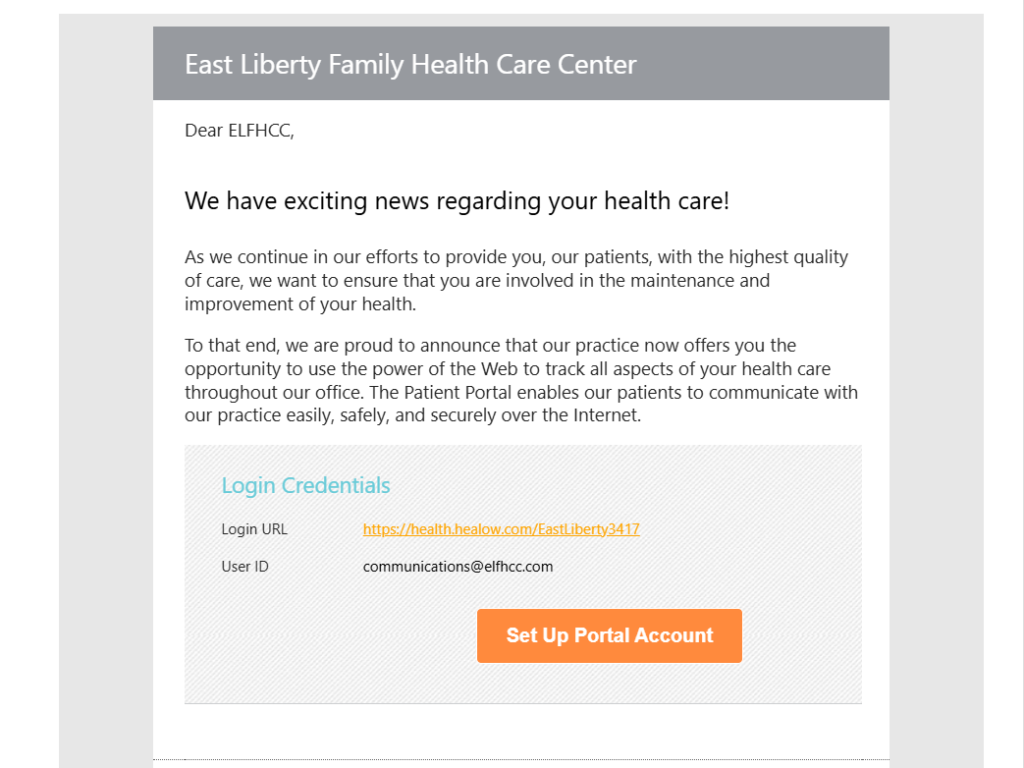
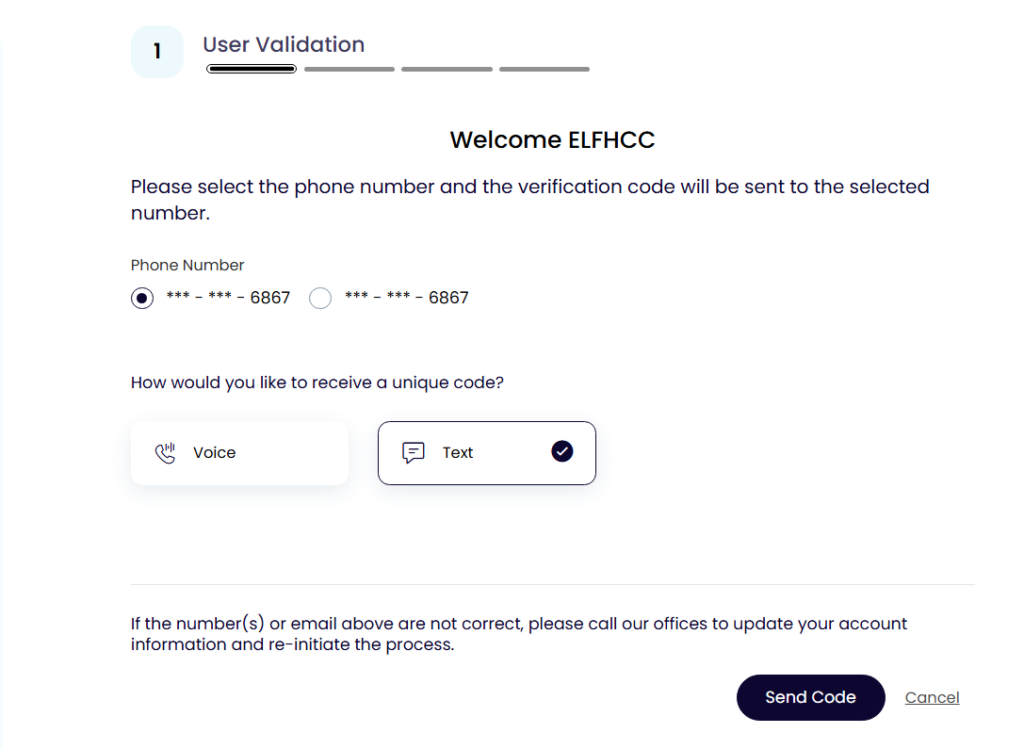
3.) Follow the steps to validate your account by entering your mobile number
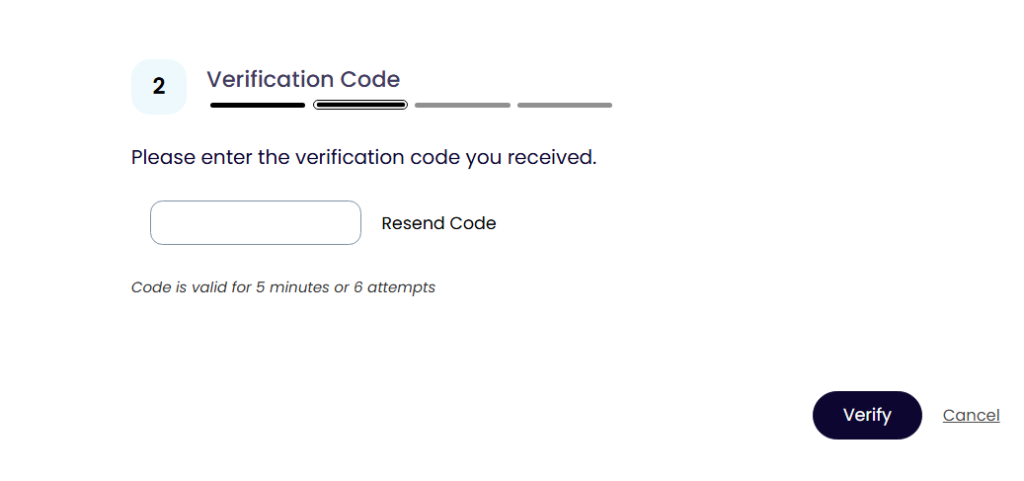
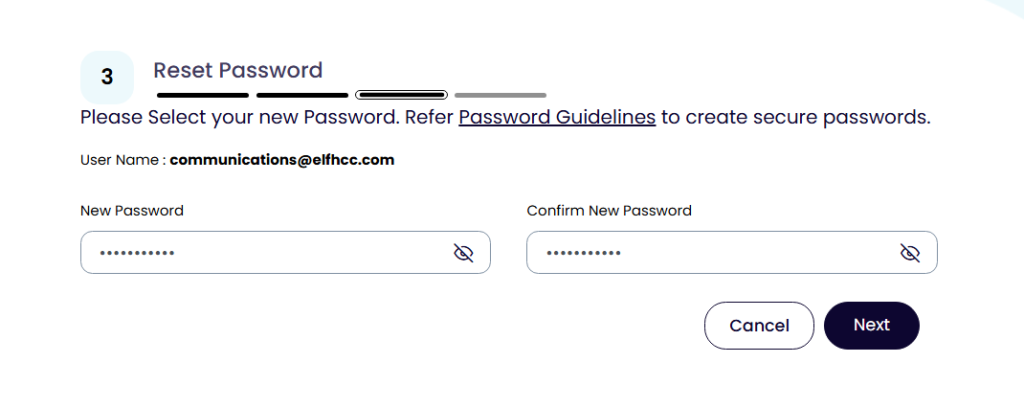
4.) Enter the code sent to your mobile device then choose a new password
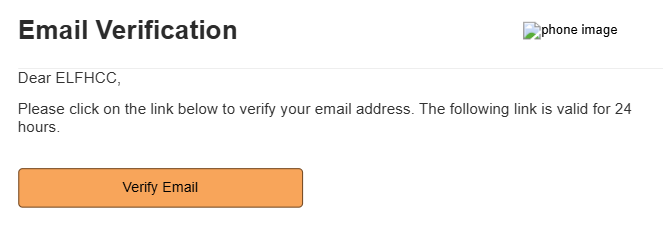
5.) Once you log in you will be asked to verify your email then you will click on the verify link that is in your personal email. The email will come from
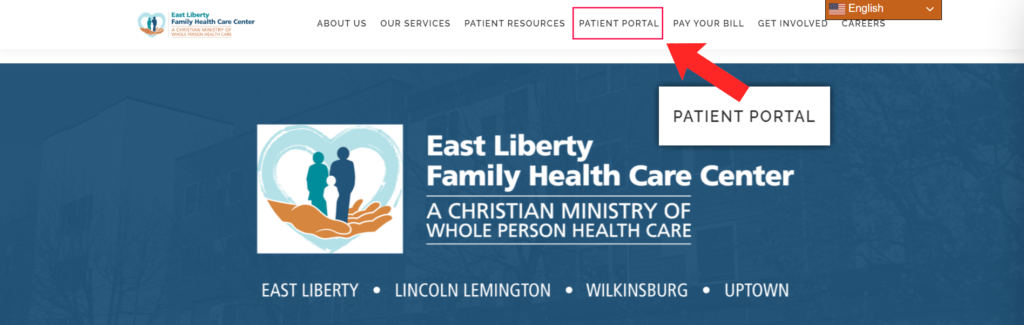
6.) Now you can visit our website elfhcc.com and click on PATIENT PORTAL on the top bar then choose VISIT OUR PATIENT PORTAL
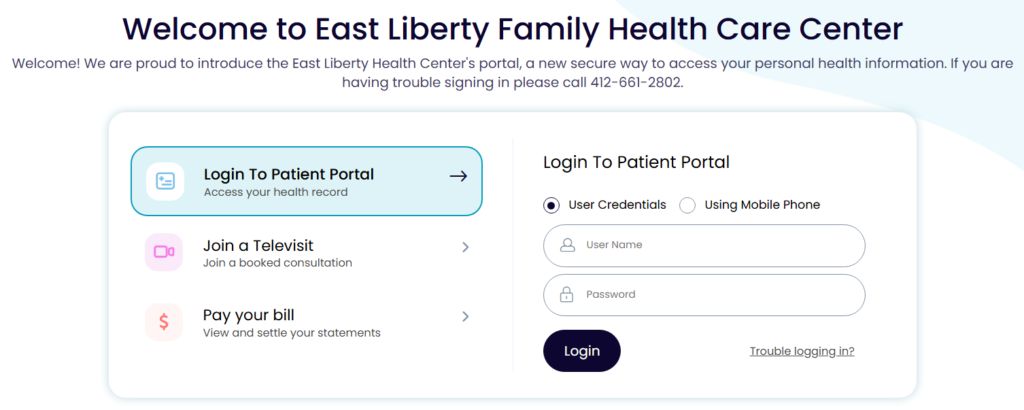
7.) The main login screen will ask for your username and password to login. You can also choose to verify using your name and date of birth by clicking Using Mobile Phone.
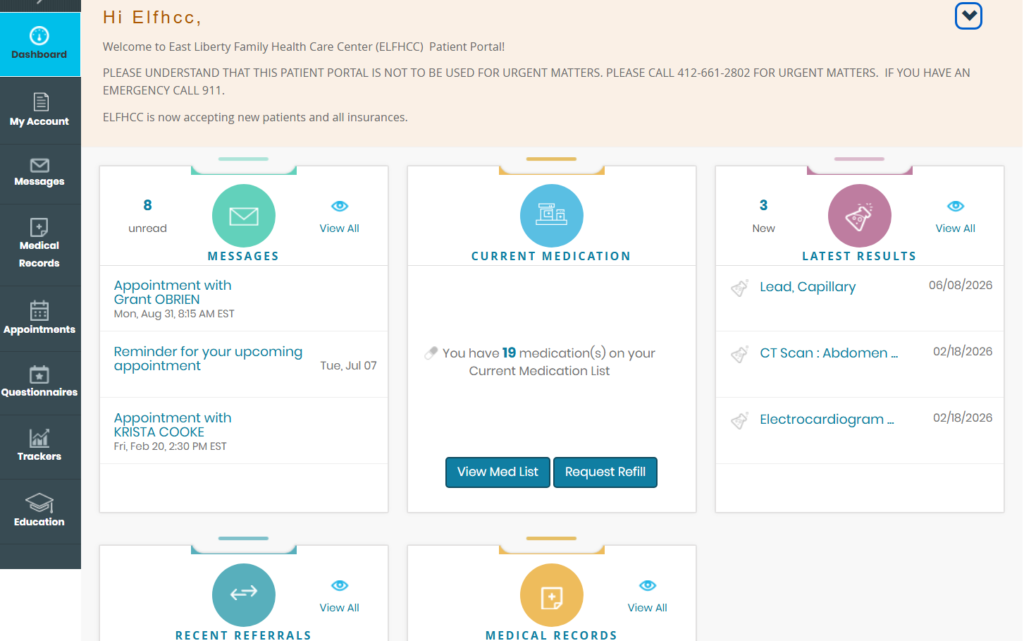
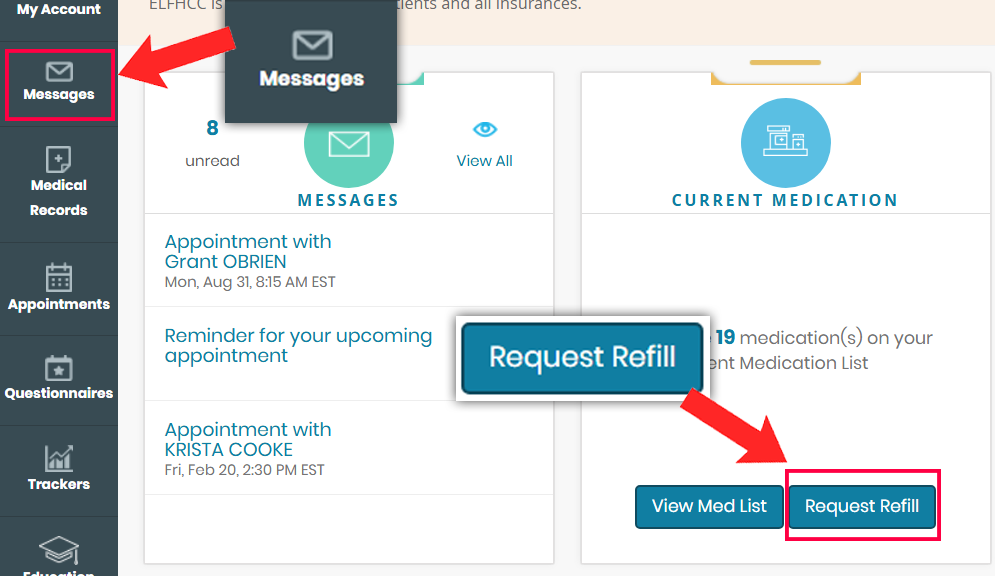
8.) The Dashboard will give you a wide view of labs, appointments, and you can request refills and print referrals
9.) The sidebar also will give you very useful information regarding your health care. You can send questions to your healthcare team and request refills on all your medications